
PocketSOC — mobile SOC incident response in your pocket.
PocketSOC™ is a mobile incident response app for SOC analysts on call. It connects to CrowdStrike Falcon, Microsoft Defender for Endpoint, Microsoft Defender for Cloud, and AWS GuardDuty so responders can triage detections, isolate hosts, and update alert status from iOS or Android — without opening a laptop or VPN.
View prioritized alerts, isolate compromised hosts with biometric confirmation, and manage detections from your phone. Built for after-hours triage, on-call response, and team-managed SOC deployments.


See PocketSOC in Action
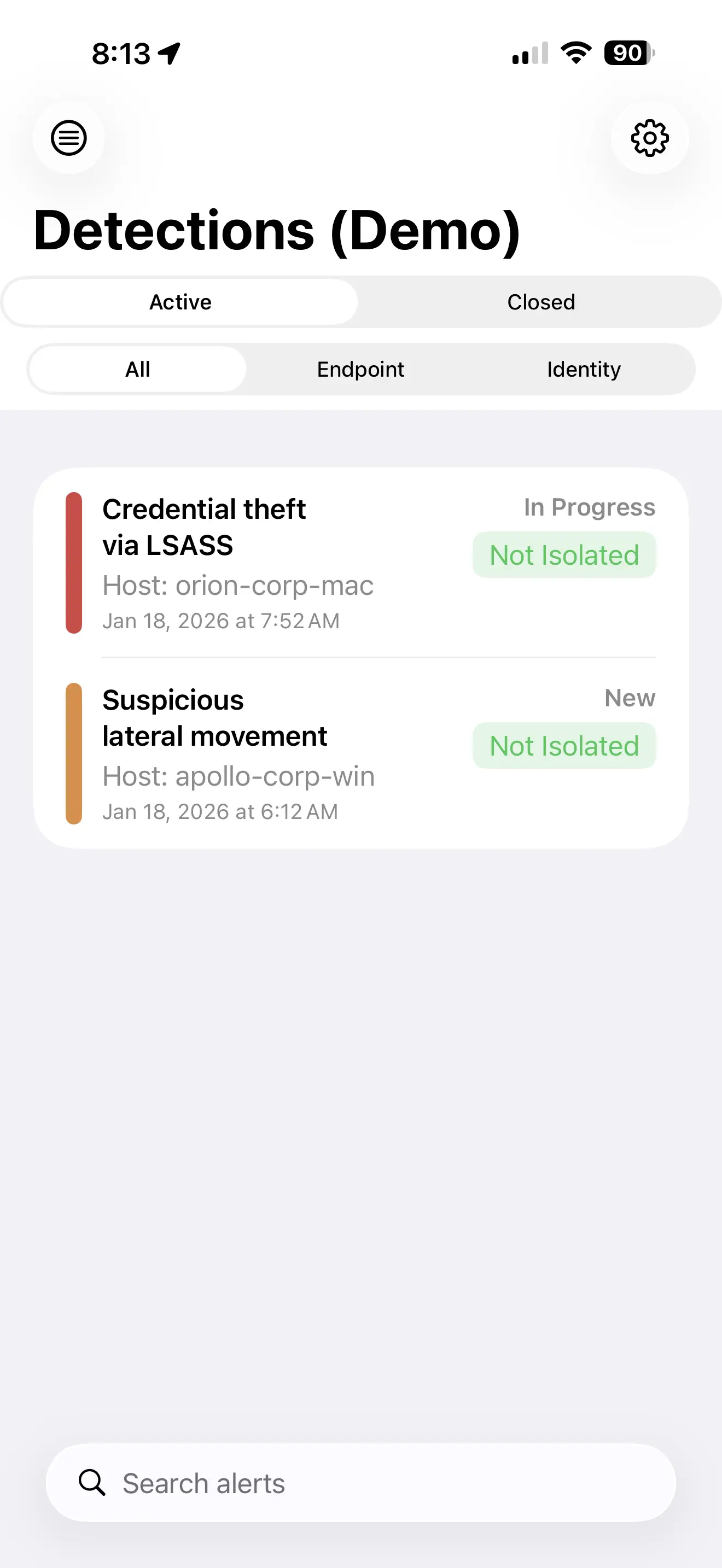
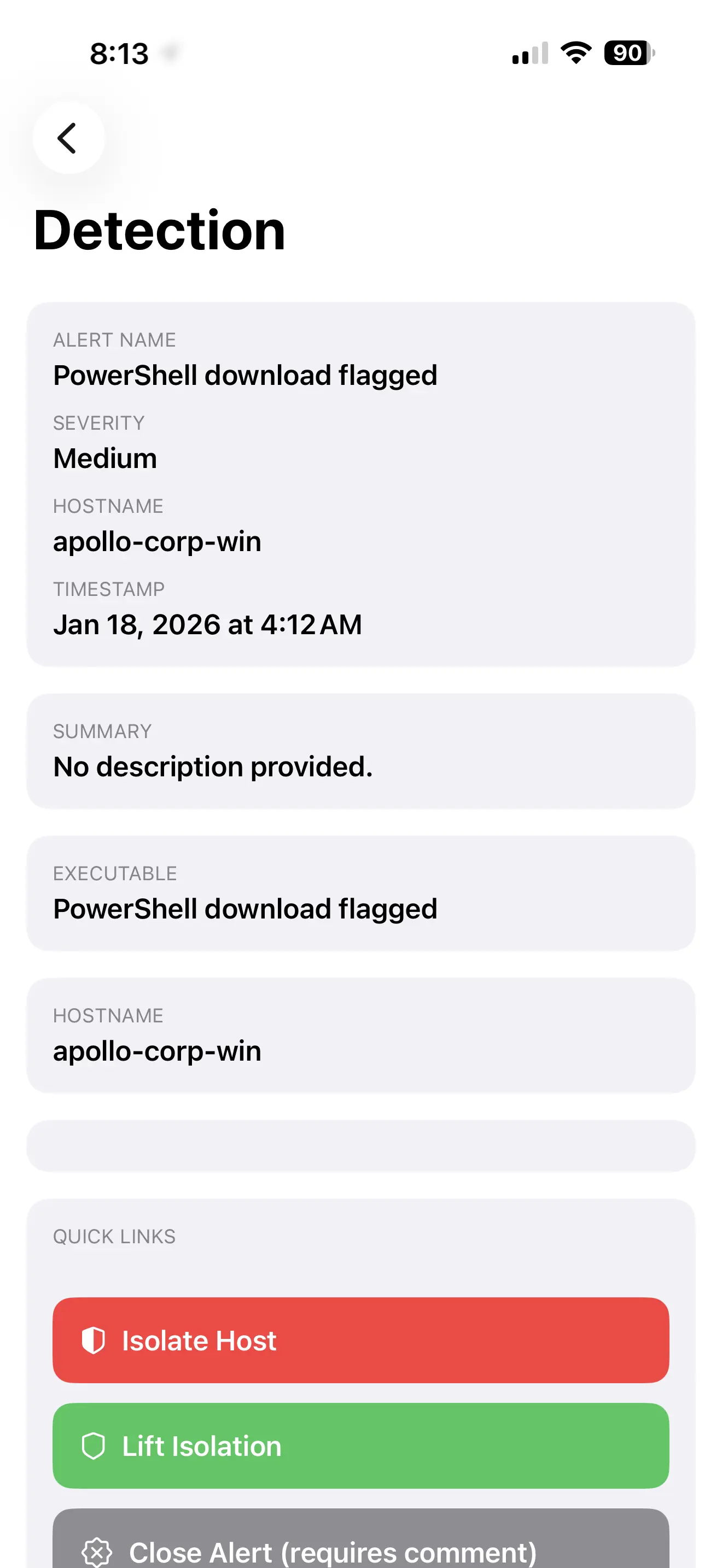
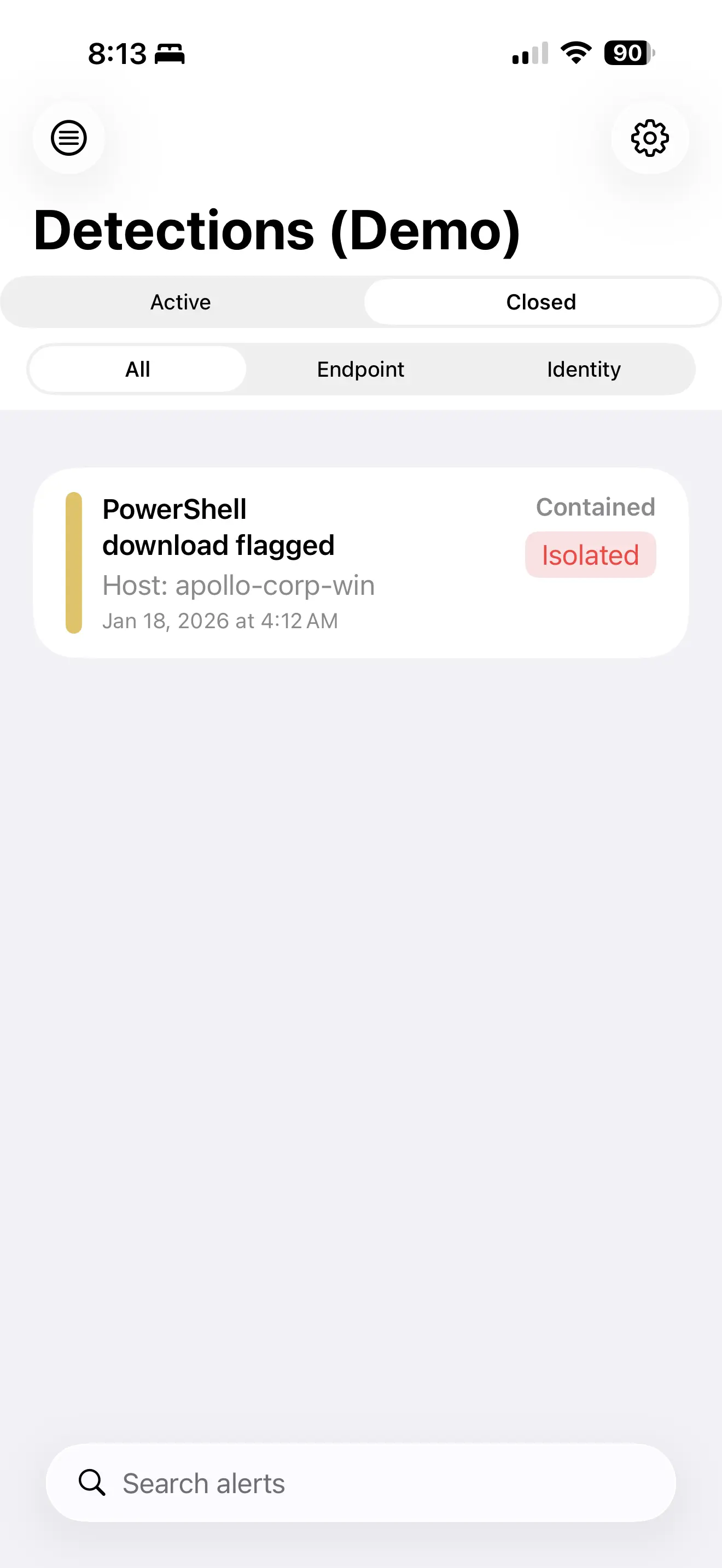
A quick peek at the in-app experience for monitoring detections and responding without opening your laptop.

Respond Faster. Stay Secure.
PocketSOC integrates with CrowdStrike Falcon, Microsoft Defender for Endpoint, Microsoft Defender for Cloud, and AWS GuardDuty—giving you fast, secure access to the incident response actions that matter most, right from your phone.
Instant Alert Visibility
Get critical detections delivered straight to your phone with smart push notifications. Configure severity thresholds and tap to jump directly into full context.
Contain Threats Anywhere
Isolate compromised hosts or lift isolation—all from your phone. Biometric authentication and explicit confirmation ensure every action is intentional and secure.
Respond at 2 AM Without Getting Up
Built for the realities of on-call life. Clear interface, essential actions, zero friction—so you can handle incidents without reaching for your laptop.
Mobile response for the tools your SOC already uses.
PocketSOC is built for security operations teams that need access to detection queues, alert details, and containment actions without opening a laptop or VPN session. It gives analysts a focused mobile workflow for triage, host isolation, status changes, and quick context review across supported security platforms.
CrowdStrike Falcon →
Review Falcon detections, inspect affected hosts, assign or close detections, and isolate or lift isolation from a mobile device when time matters.
Microsoft Defender →
Work with Defender for Endpoint alerts and Defender for Cloud findings, including machine isolation flows and alert status updates where supported by your tenant permissions.
AWS GuardDuty →
Monitor GuardDuty findings and archive or unarchive findings from your phone, keeping cloud security response available to analysts who are away from their workstation.
See all PocketSOC integrations for supported security platforms.
Built for real on-call security workflows.
After-hours triage →
Check whether an alert needs immediate action, review severity and affected assets, and decide whether to escalate before you get out of bed.
Host containment →
Use biometric protection and explicit confirmation before isolation actions, helping responders move quickly without making high-impact changes accidentally.
Team-managed deployments →
Use the PocketSOC Portal for organization mode, vendor configuration assignment, webhook setup, device management, and audit visibility for security teams.
See all PocketSOC use cases for SOC workflows.
Built with Security in Mind
Biometric Protection
Critical actions like host isolation require biometric authentication plus explicit confirmation—so you're always in control, even under pressure.
Enterprise-Grade Token Security
Vendor credentials are encrypted at rest with AES-256-GCM and delivered securely to devices over HTTPS. On-device, tokens are protected by platform-native secure storage (iOS Keychain, Android Keystore)—the same technology securing your banking apps.
Built for High-Pressure Moments
Clean, focused interface that cuts through the noise. See what matters, act with confidence—designed for the chaos of real incidents.
Common questions from security teams.
Does PocketSOC replace my SIEM or EDR console?
No. PocketSOC is a mobile incident response companion for supported platforms. It is designed for urgent triage and responder actions, not full desktop investigation. More on affiliations →
Does customer data route through PocketSOC servers?
PocketSOC retrieves detection and alert data from vendor APIs for display in the app. Customer data is not sold or shared for marketing, and credentials are protected with encrypted storage. Data handling →
Can teams control vendor access?
Yes. Teams configure scoped vendor credentials and can rotate or revoke access through their own security platforms. Organization deployments can manage devices and assignments through the portal. Permissions →
Read the full PocketSOC FAQ for supported vendors, permissions, deployment options, and data handling details.